Windows tool
Engraving tool: from template to engraving path
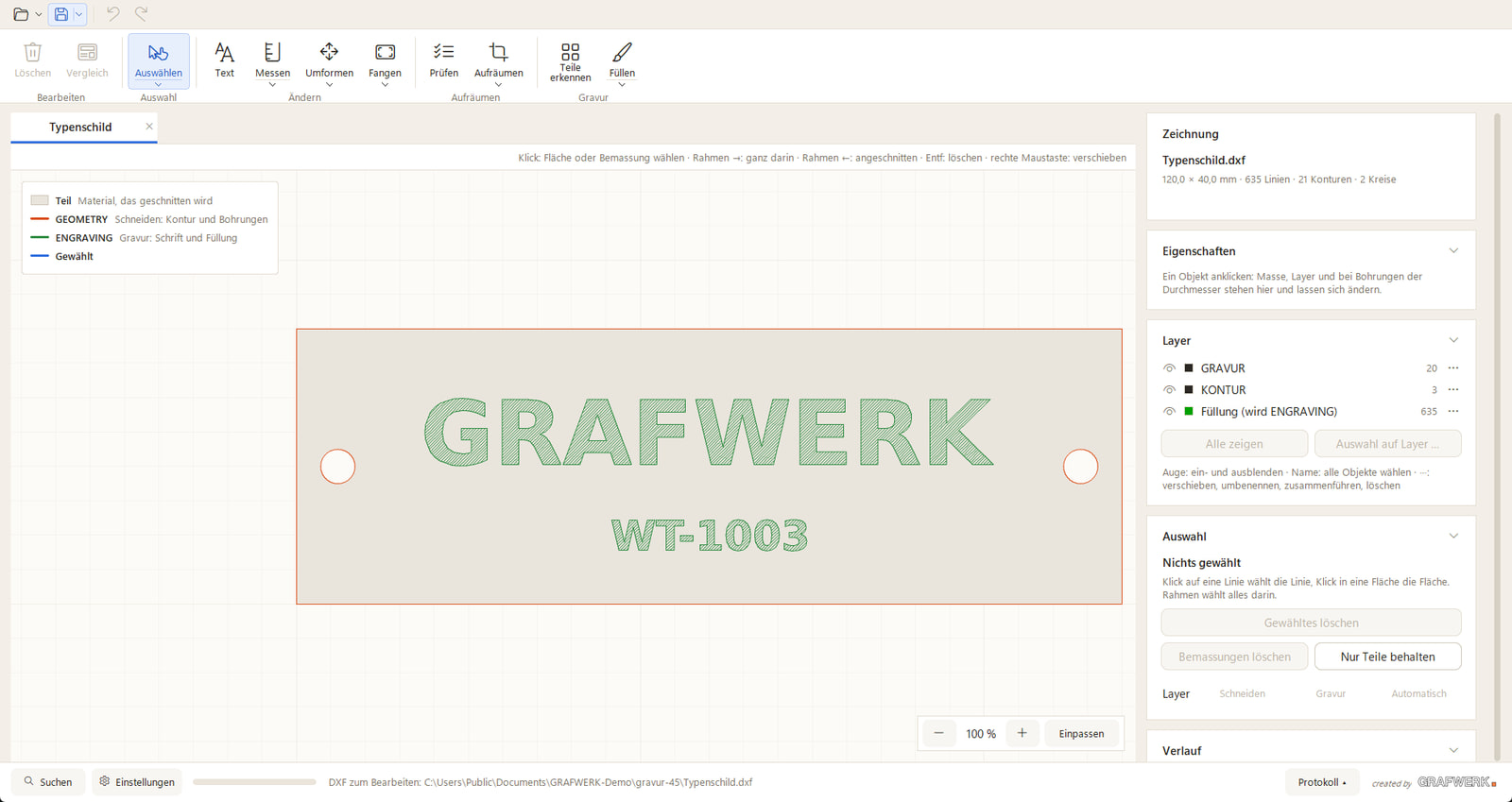
A laser engraving needs a clean path, not a pixel image. The engraving tool turns a sketch, a logo or a photo into a faithful vector template on its own engraving layer, ready for the machine.
What the tool does
The template is read and converted into lines that reproduce the shape as it is drawn. The engraving sits on its own layer, so the controller reliably tells it apart from the cutting contour.
This way a hand sketch or a logo becomes an engraving-ready file directly, without anyone rebuilding the lines in a drawing program.
What it saves you
Preparing an engraving template by hand is fiddly work that repeats with every order. The tool takes over this step and delivers a consistent result.
That makes even a single engraved part economical, where lengthy preparation would not otherwise pay off.