Windows tool
PDF sorting tool: drawings in order sequence

An order with many line items comes with one part drawing per item, scattered in a folder. Collecting them by hand in the right order takes time and is error-prone. The PDF sorting tool does it automatically.
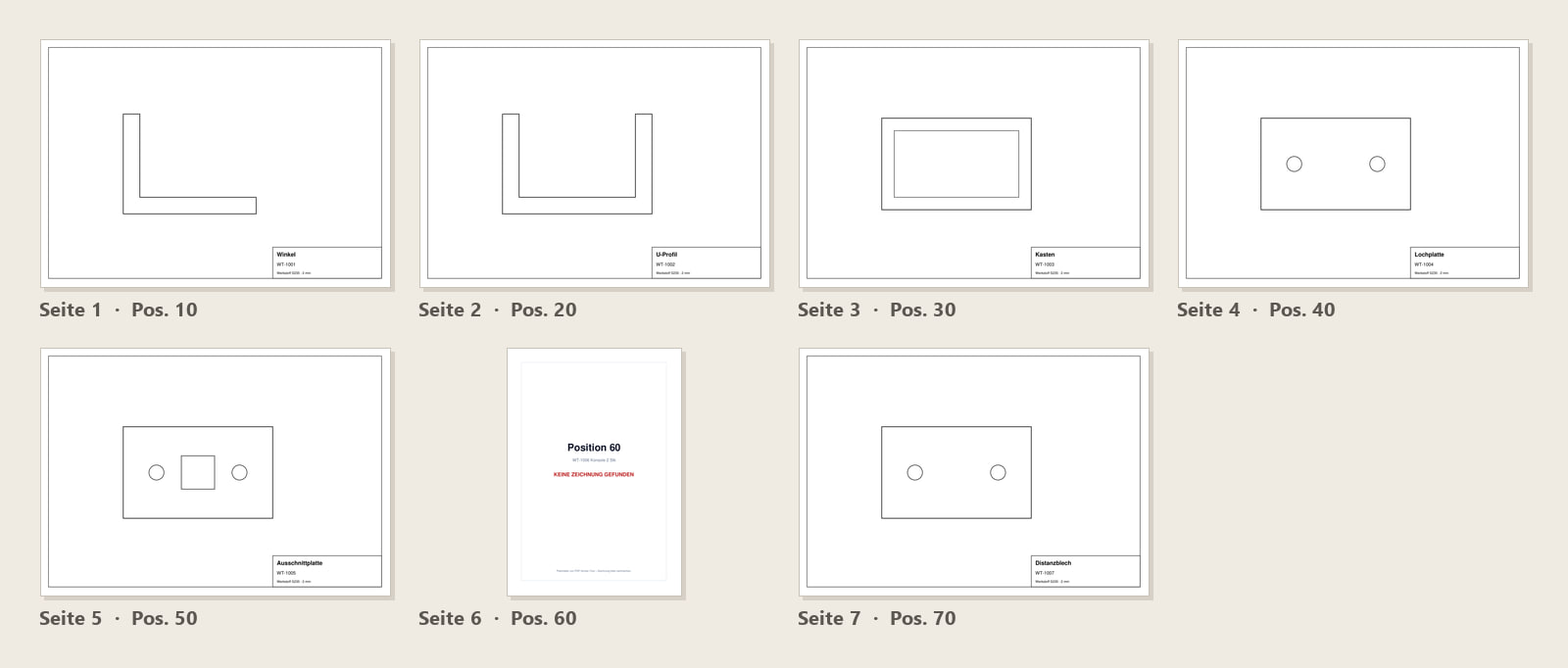
What the tool does
The tool reads the line items of the order, finds the matching drawing for each in the folder, and merges everything in exactly that order into a single PDF, ready to print.
If a drawing is missing for an item, it is flagged rather than silently skipped, so nothing goes missing unnoticed.
What it saves you
With orders of many items, collecting them is the same dull work every time. The tool turns it into a button press and makes sure the order is right.
Because nothing is sorted by hand, no drawing ends up missing from the stack.