Windows tool
STEP-to-Drawing: from the model to the workshop drawing
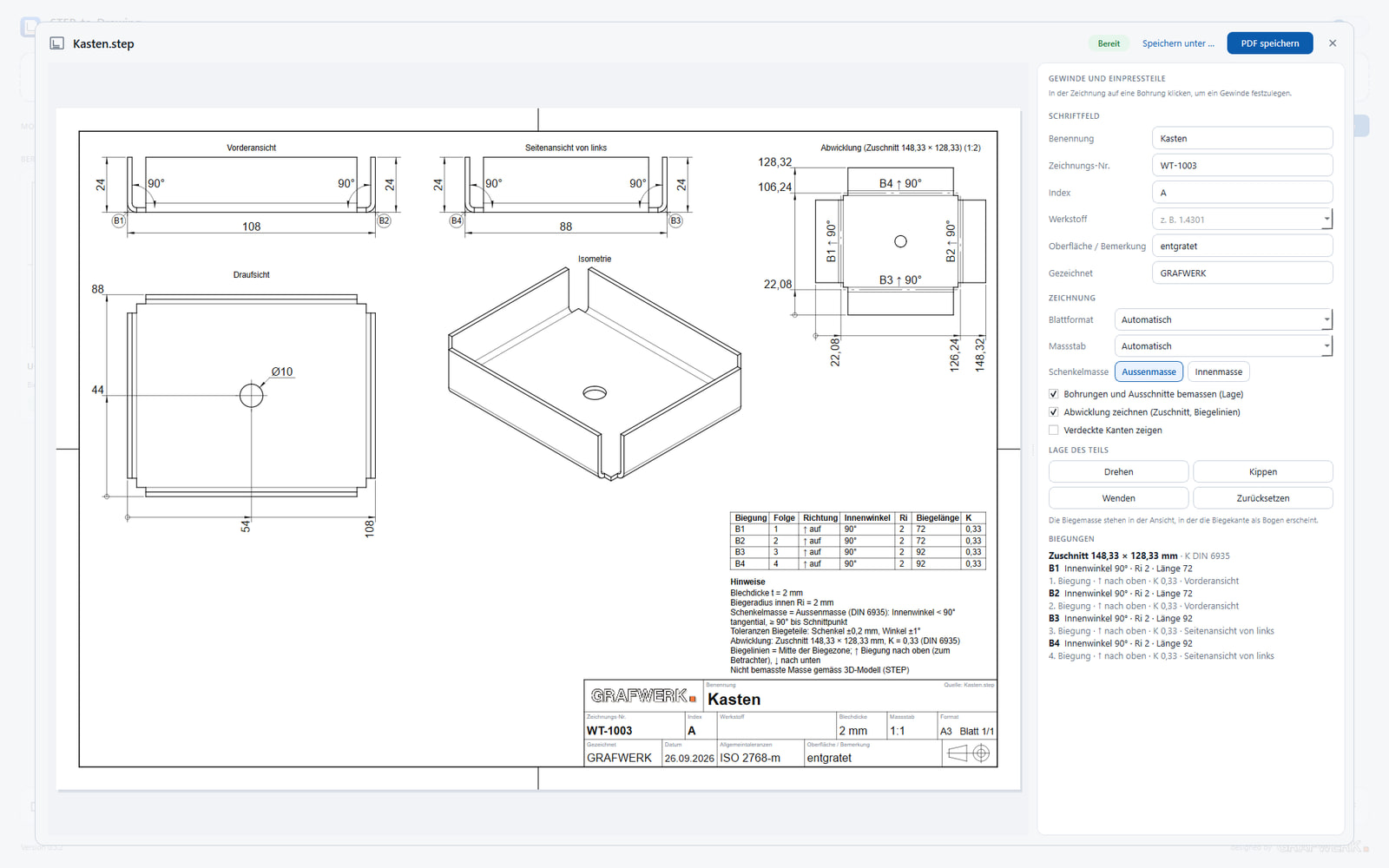
The reverse route: a 3D STEP model exists, the 2D workshop drawing is needed. By hand it is built up view by view and dimensioned. STEP-to-Drawing derives it automatically, with the usual views, the flat pattern and the bend dimensions.
What the tool does
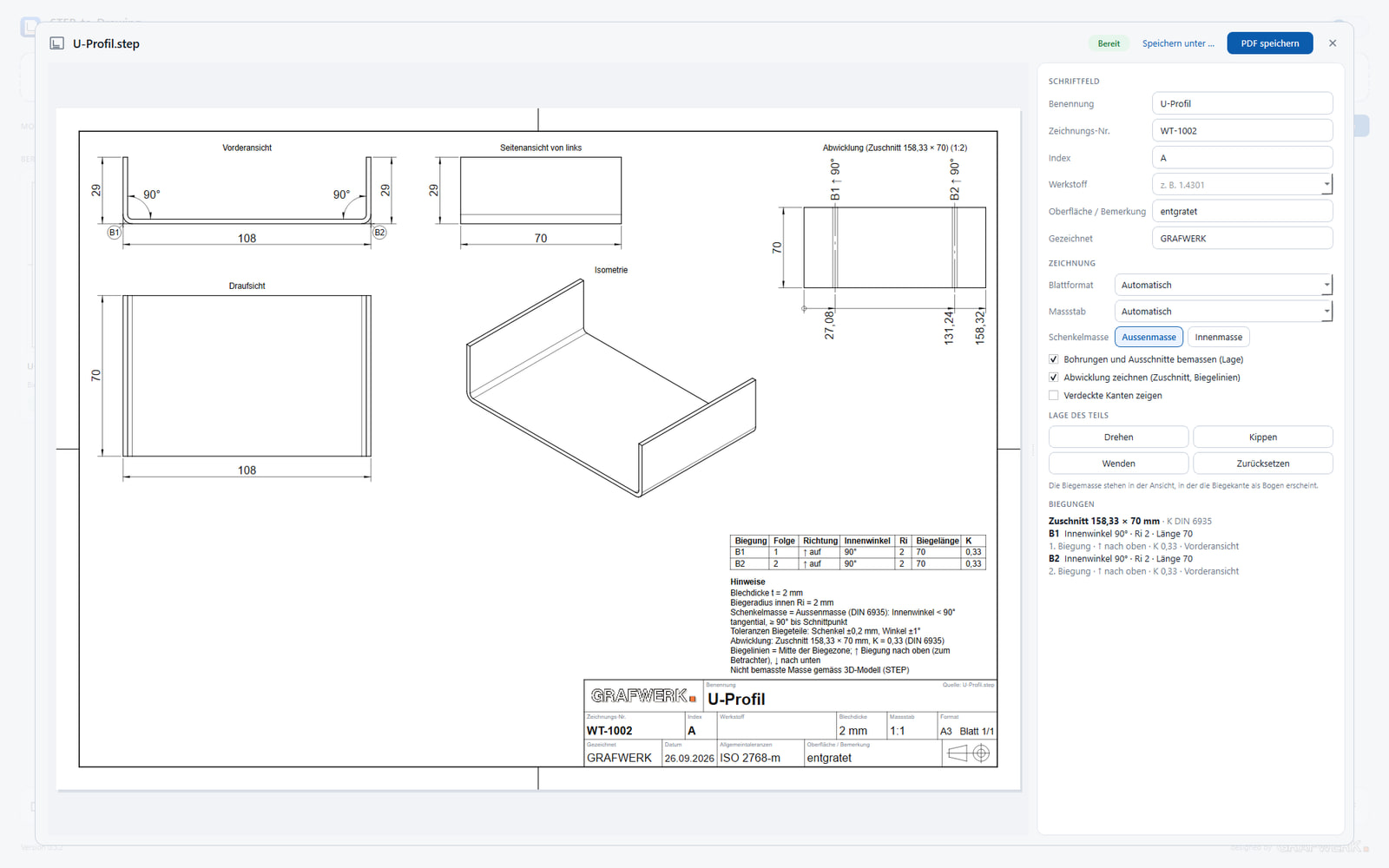
The STEP model is loaded, the tool creates the required views, enters the dimensions and calculates the flat pattern of the sheet-metal part including its bend dimensions. The title block is filled in along the way.
The result is a finished drawing as a PDF, ready for the workshop. What takes half an hour by hand is ready in a short time.
What it saves you
Especially with many similar parts, this saves the same drawing work again and again. The time gained goes into checking and production instead of dimensioning.
And the dimensions match the model, because they come from it, not from retyping. Right where a wrongly transferred number gets expensive, that often matters more than the time saved.