Windows tool
PDF-to-DXF: from plan to cut-ready vectors
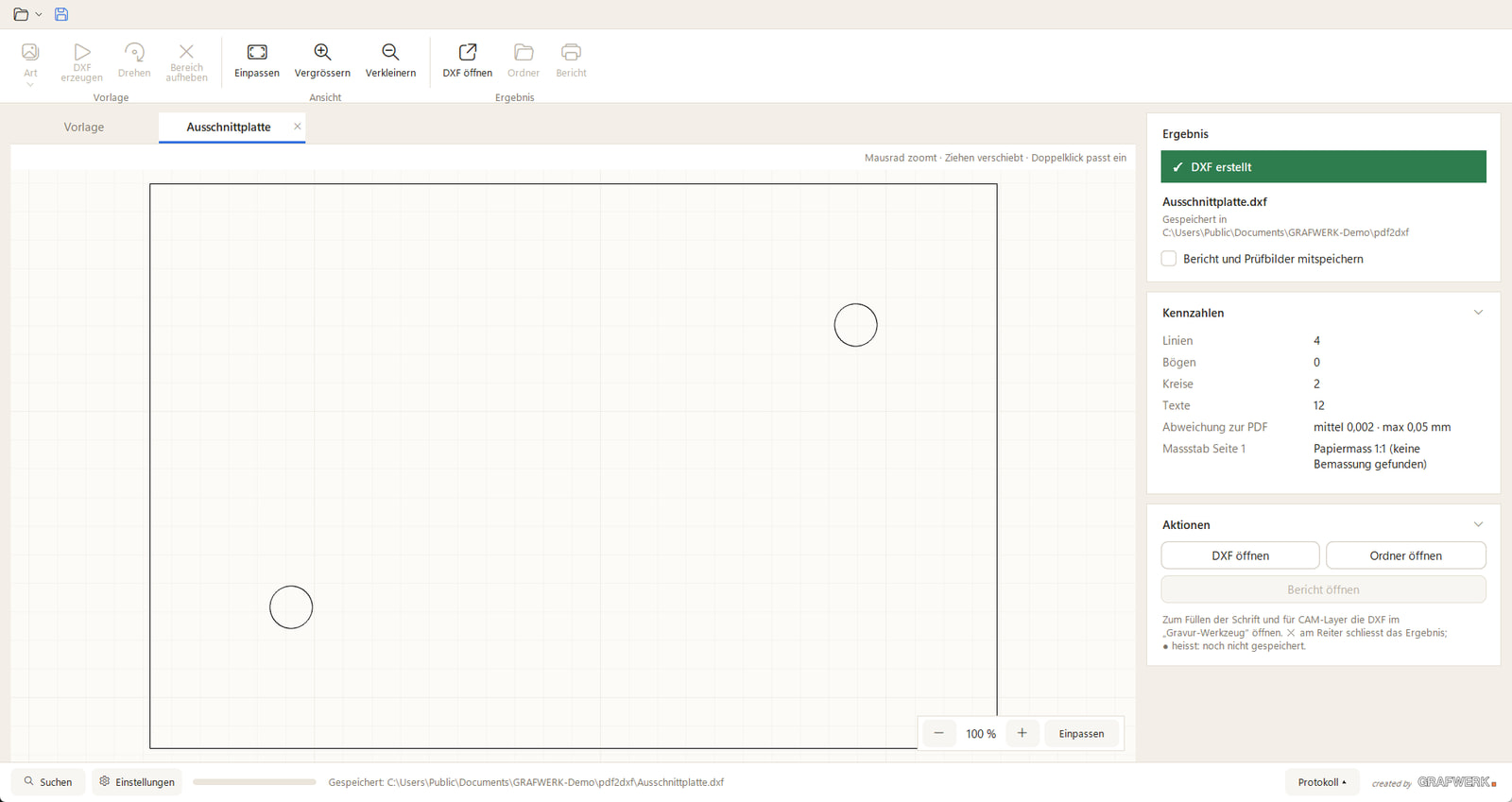
A plan exists as a PDF, an editable DXF file for CAD, CNC or laser is needed. Usually someone re-traces the lines. PDF-to-DXF reads the vectors directly from the PDF and builds a true-to-scale DXF from them, without re-tracing.
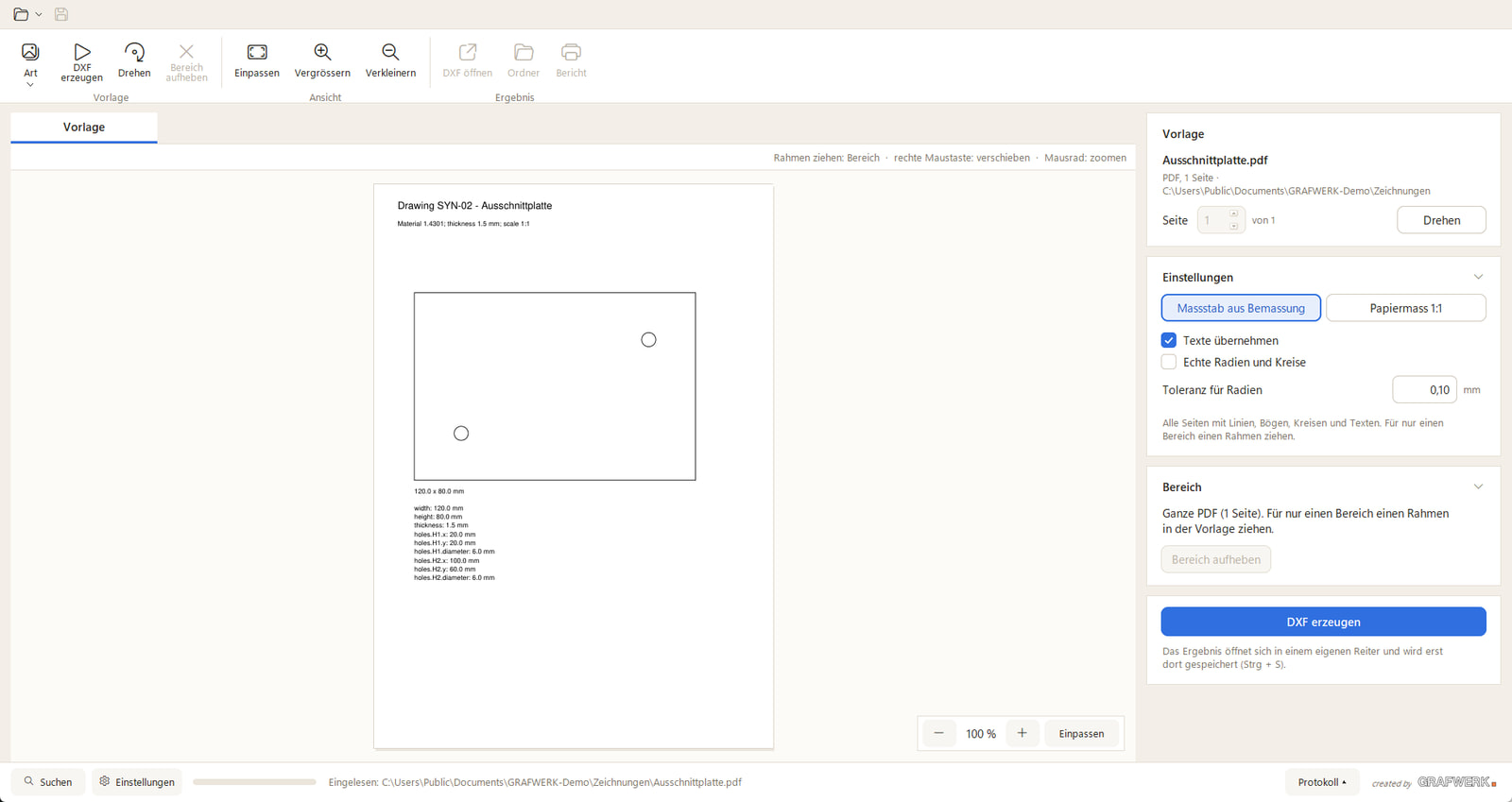
What the tool does
The tool takes the geometry from the PDF, brings it to the correct scale and writes a clean DXF with separate layers, for example contour and engraving. Arcs and circles stay real arcs, not broken into strokes.
Important: the tool says honestly how accurate the result is, instead of faking a precision the PDF does not provide.
What it saves you
Re-tracing by hand is slow and error-prone. A directly read DXF is ready in seconds and true to scale, so the part is cut exactly as it was drawn.
For recurring plans, the set-up time at the machine becomes noticeably shorter.