Service
Windows tools for your internal processes
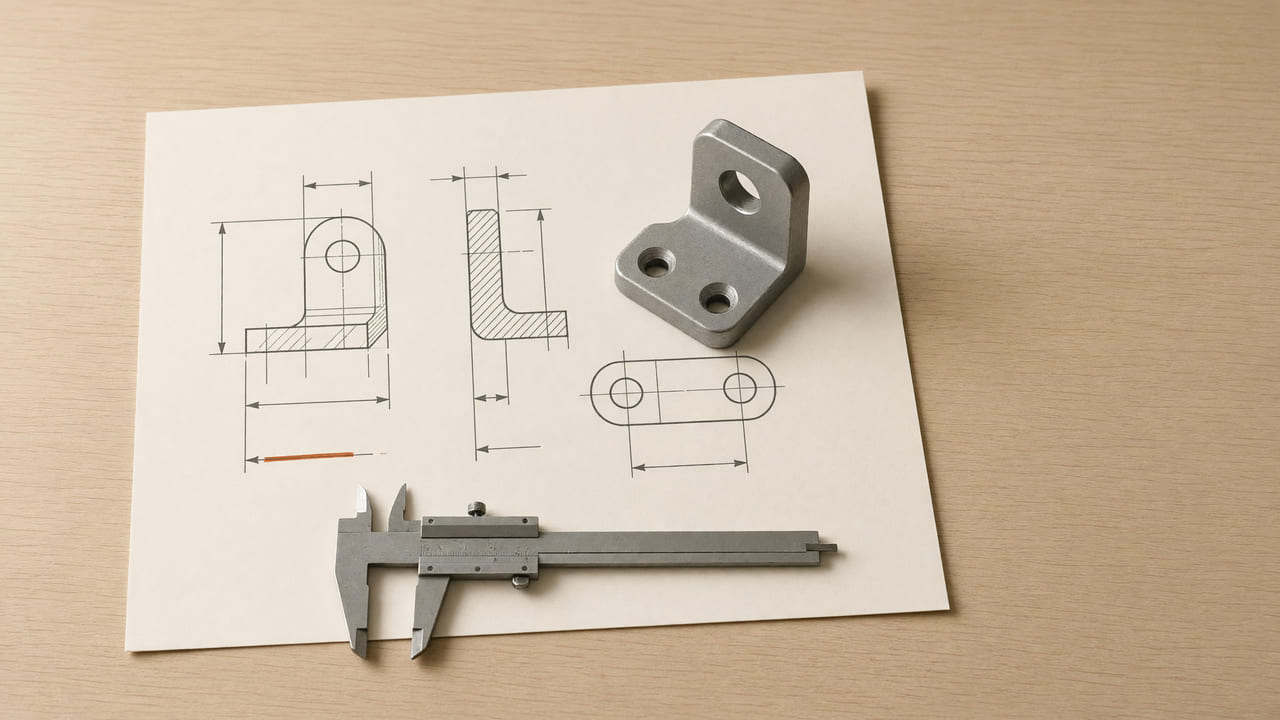
Not every automation needs the cloud. Often the lost time hides in a task someone does by hand every day on their own computer: converting one format into another, filing documents, deriving a drawing from a model. For that I build small Windows programs that take on exactly one such task, launch with a double-click and need no installation, no subscription and no internet connection.
The five tools in detail
Frequently asked questions
Does it work without internet and without a subscription?
Yes. The tools are standalone Windows programs that run locally on your computer. No account, no subscription, no connection needed, and your files never leave your computer.
Can I also get a tool for a completely different task?
Yes. The five named are examples. If you have a step you do regularly by hand that follows a fixed rule, it can usually be cast into such a tool. Describe the process to me and I’ll tell you whether and how it works.
What does such a tool cost?
It depends on the effort, because each tool is tailored to a specific task and specific file formats. You get a firm fixed price before it is built, with no recurring fees.
What such a tool takes off your plate
The idea is always the same: a task that repeats daily, where a person only follows a fixed rule, moves into a program. The person keeps the judgement, the machine does the busywork. Five tools built exactly this way show the range:
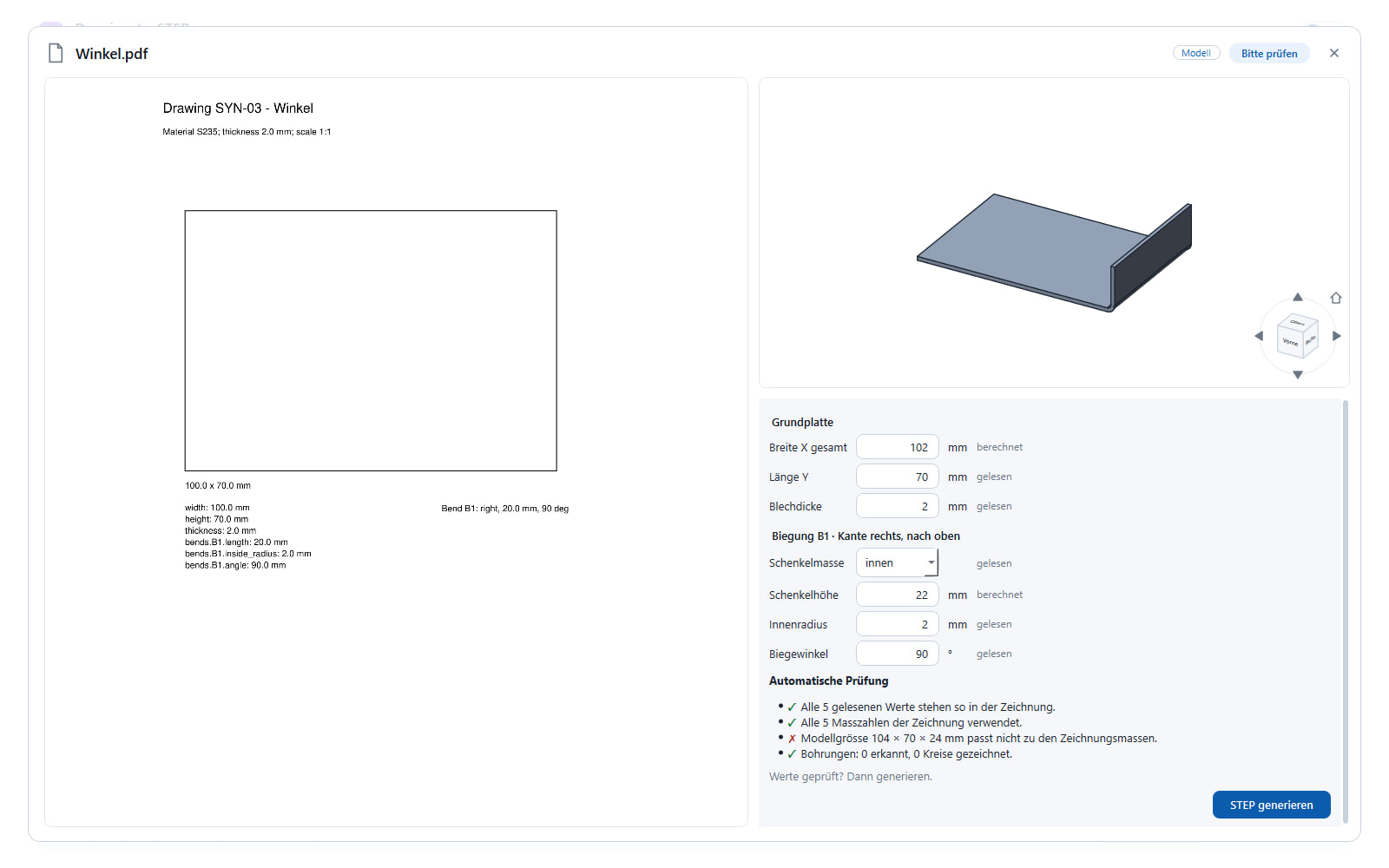
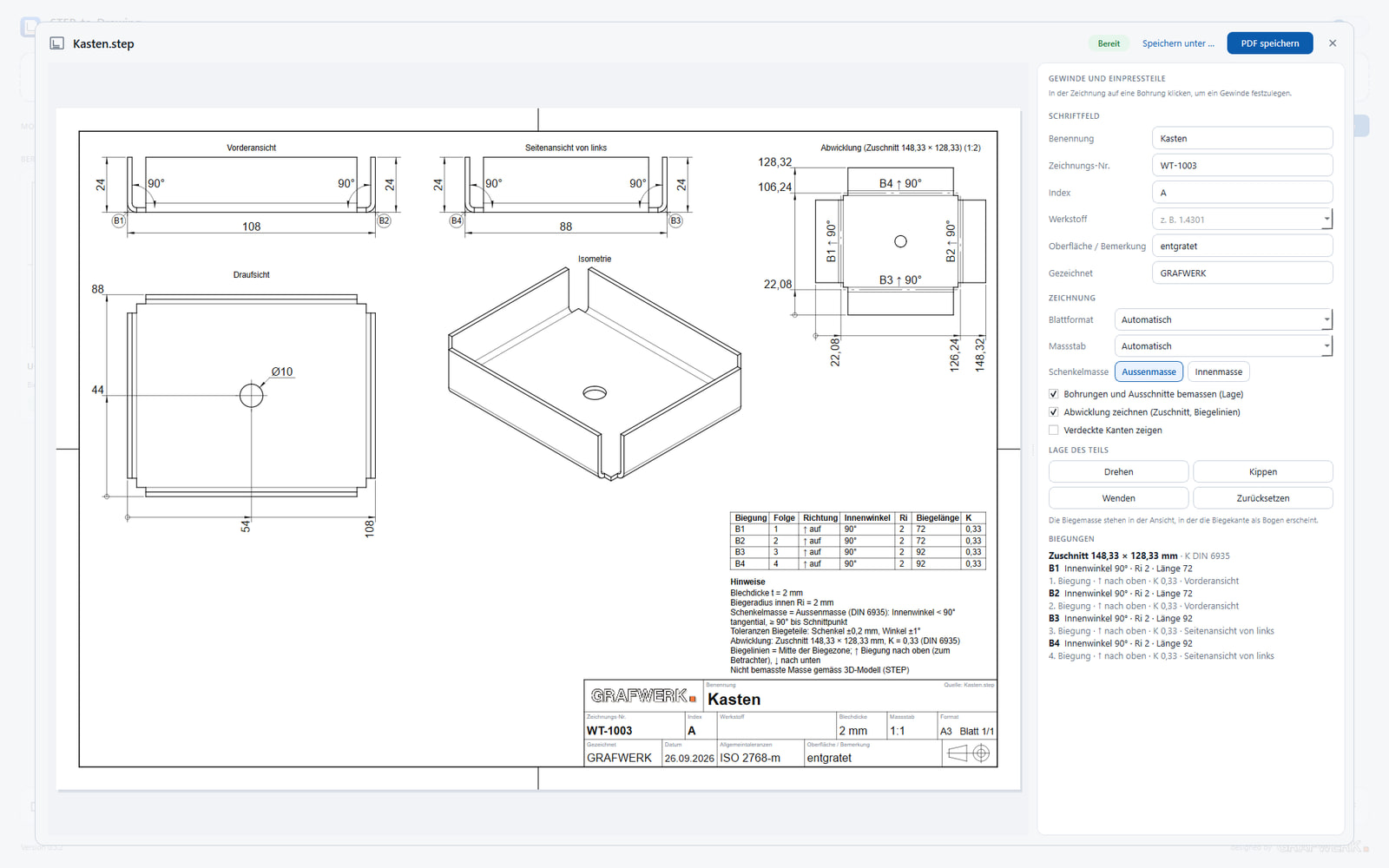
**Drawing-to-STEP** turns a technical drawing into a three-dimensional STEP model, the kind CAD and CAM software needs. What is otherwise rebuilt on screen appears with a double-click. **STEP-to-Drawing** goes the other way and automatically derives the 2D workshop drawing with its usual views from a 3D model, instead of drawing it part by part.
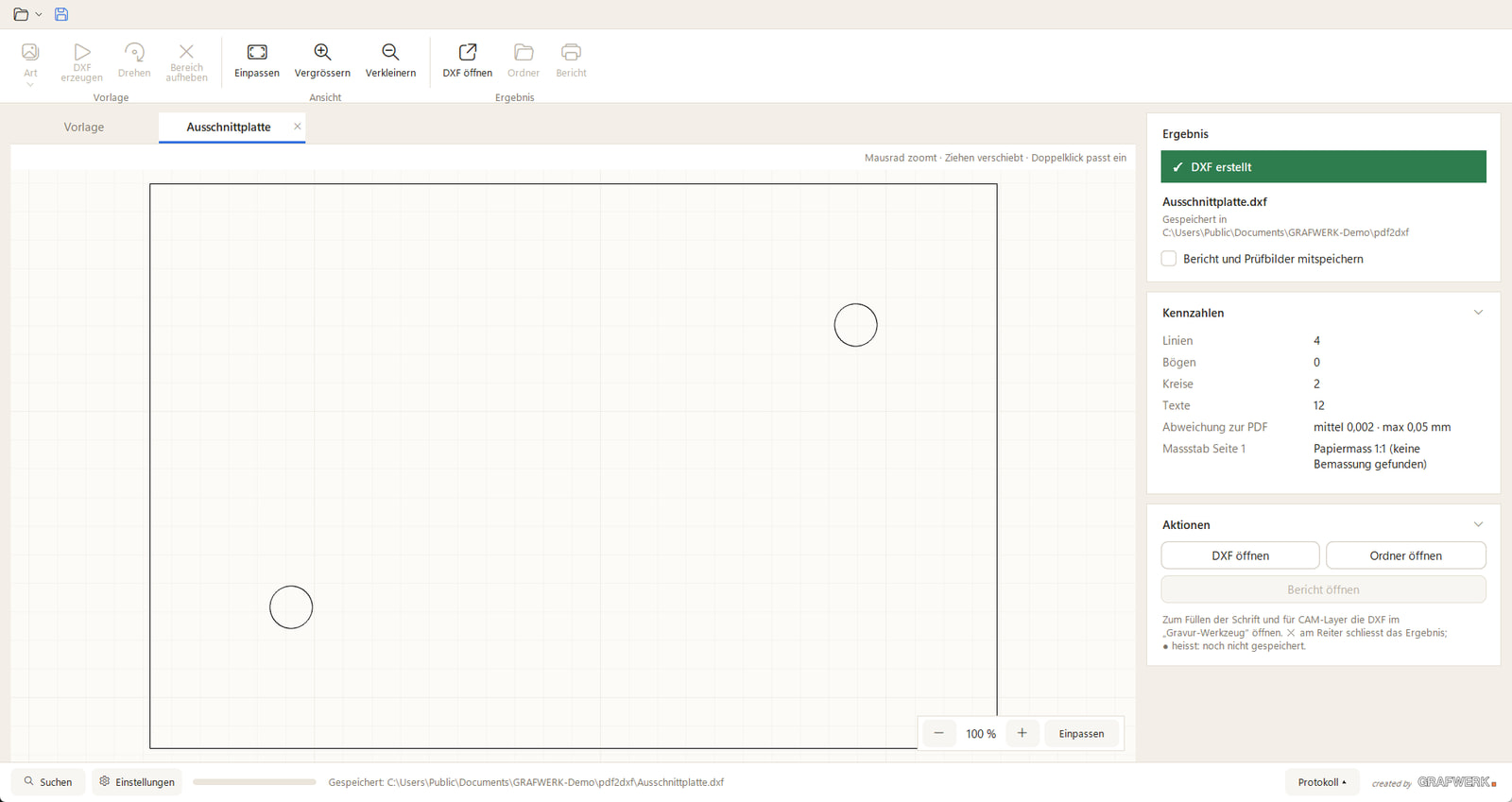
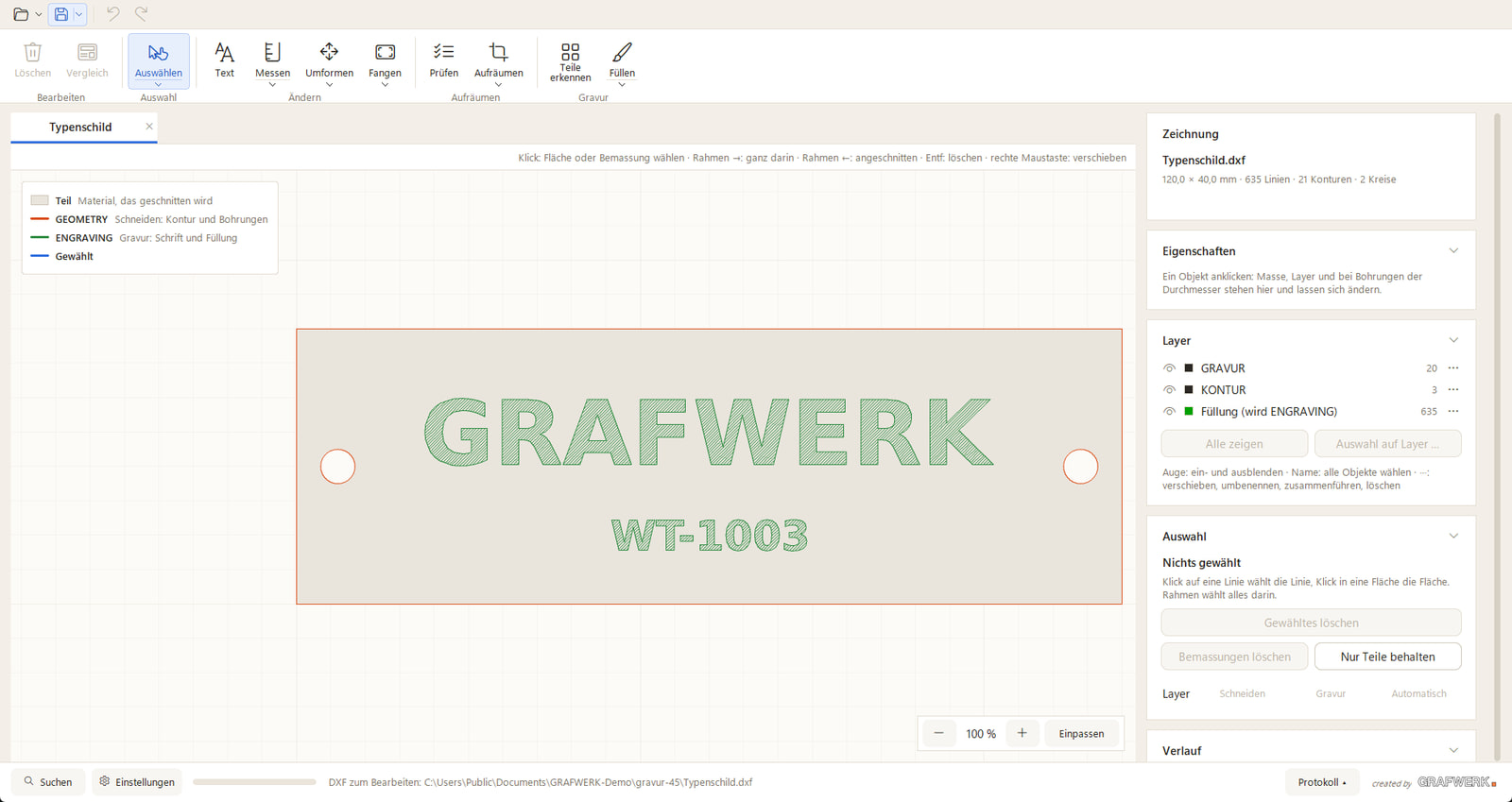
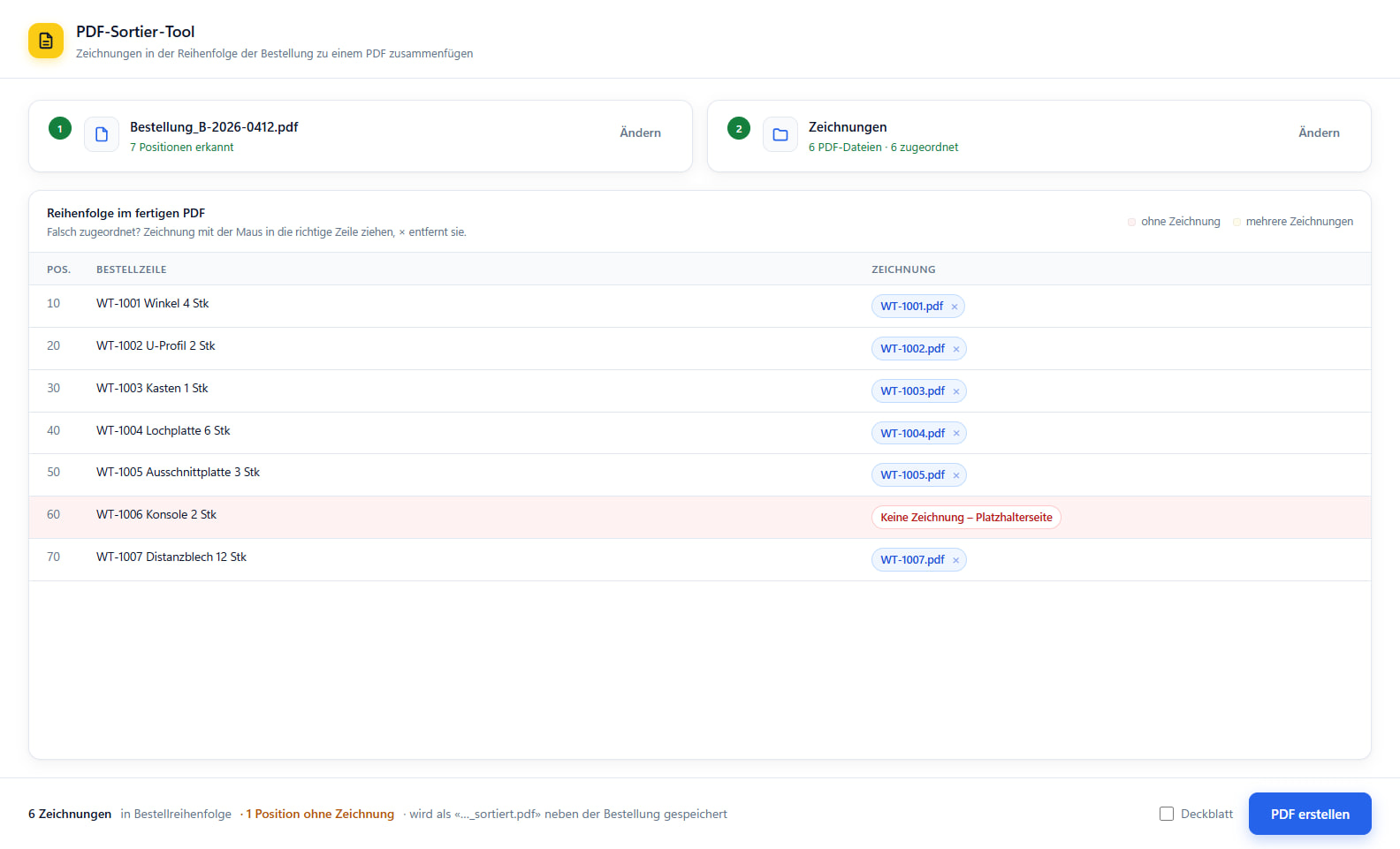
**PDF-to-DXF** turns a PDF plan back into an editable DXF vector file for CAD and CNC, without anyone re-tracing the lines. **The PDF sorting tool** names and files incoming PDFs by fixed rules, so they land in the right place on their own. And the **engraving tool** prepares templates for engraving, so an input becomes a clean engraving path directly.
Why the effort pays off
The benefit is not in the single click but in the repetition. A conversion that takes twenty minutes by hand and comes up several times a day adds up, over a week, to hours no one has for the actual work. A tool that does the same conversion in seconds gives that time back, day after day.
On top of that comes reliability: a program does the thing the same way every time, without a slip late in the afternoon. Precisely with technical files, where a wrongly transferred dimension gets expensive, that often matters more than the time saved.
How such a tool comes about
At the start there is no program, but your process. We look together at which step you often do by hand, with which files and by which rule. Out of that comes a small tool that takes on exactly that step, tailored to your formats and your computer.
You receive a single executable file that runs without installation and stays on your Windows computers, where your data is. No subscription, no account, no transfer to the outside. What it costs depends on the effort; I tell you up front and firmly. Larger, connected processes belong more to AI automation; a single tool at the workstation is exactly this.